

🔐 New: Security & Privacy Settings page for Agent Studio now available!
🔐 We’re excited to announce that Security & Privacy Settings are now available to all customers in Moveworks Setup.
This new page gives Super Admins fine-grained control over how developers build and access integrations in Agent Studio. This helps organizations balance innovation with security and compliance.
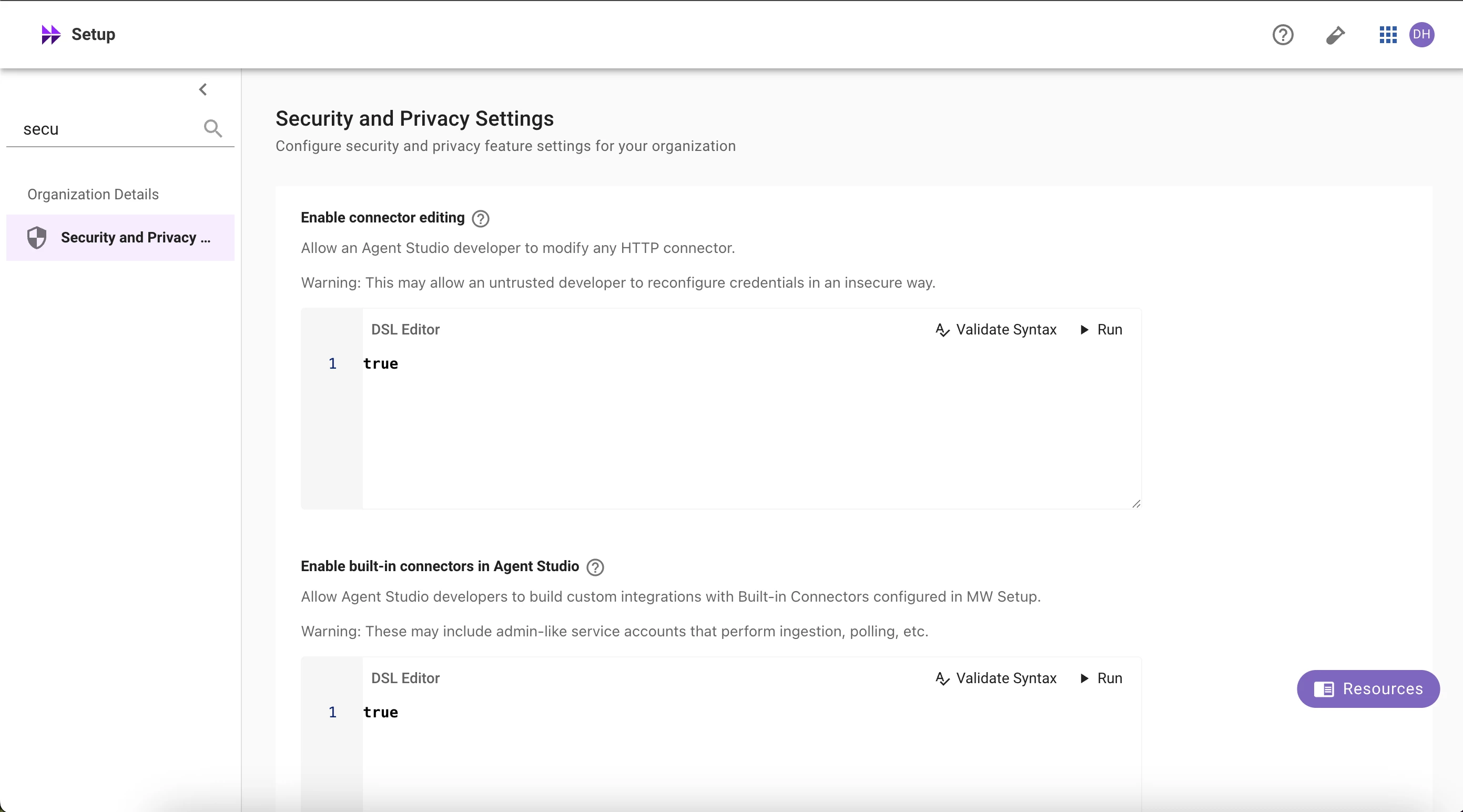
🆕 What’s new
You can now configure org-wide security and privacy controls directly in Moveworks Setup → Security & Privacy Settings. These settings let admins govern connector access, editing permissions, log visibility, and webhook security in one centralized place.
Key controls include:
- Enable connector editing: Specify (via DSL rule) who can modify HTTP connectors.
- Enable built-in connectors in Agent Studio: Allow developers to use Moveworks system connectors (ticketing, identity, search, etc.).
- Strict log redaction: Automatically redact user content from logs when plugins are launched to large audiences.
- Webhook listener security: Define how your org handles unsecured webhook listeners (default: secure-by-default).
Why it matters
These capabilities provide admins with org-level governance for Agent Studio while empowering developers while maintaining strong security and data-handling standards.
Who can access it
All customers now have this page. Only Super Admins can view or modify these settings.