March 2025 Product Release Notes
Creator Studio: New Actions
Actions: Delay Configuration (i.e. Sleep)
We’re excited to share that you can now delay the execution of actions! For developers building with APIs that have asynchronous behavior (e.g. a “start job” endpoint and a “get job results” endpoint), you’ll be able to “sleep” the action for a period of time.
Key features include
- Delayed Execution - Delay the execution of your action
- Multiple Units of Time - Support for milliseconds, seconds, minutes, hours, & days
- Dynamic Sleep Periods - You can vary the sleep period based on your compound action’s data. (e.g. if your “start job” endpoint returns an estimated processing time, you can sleep for that duration).
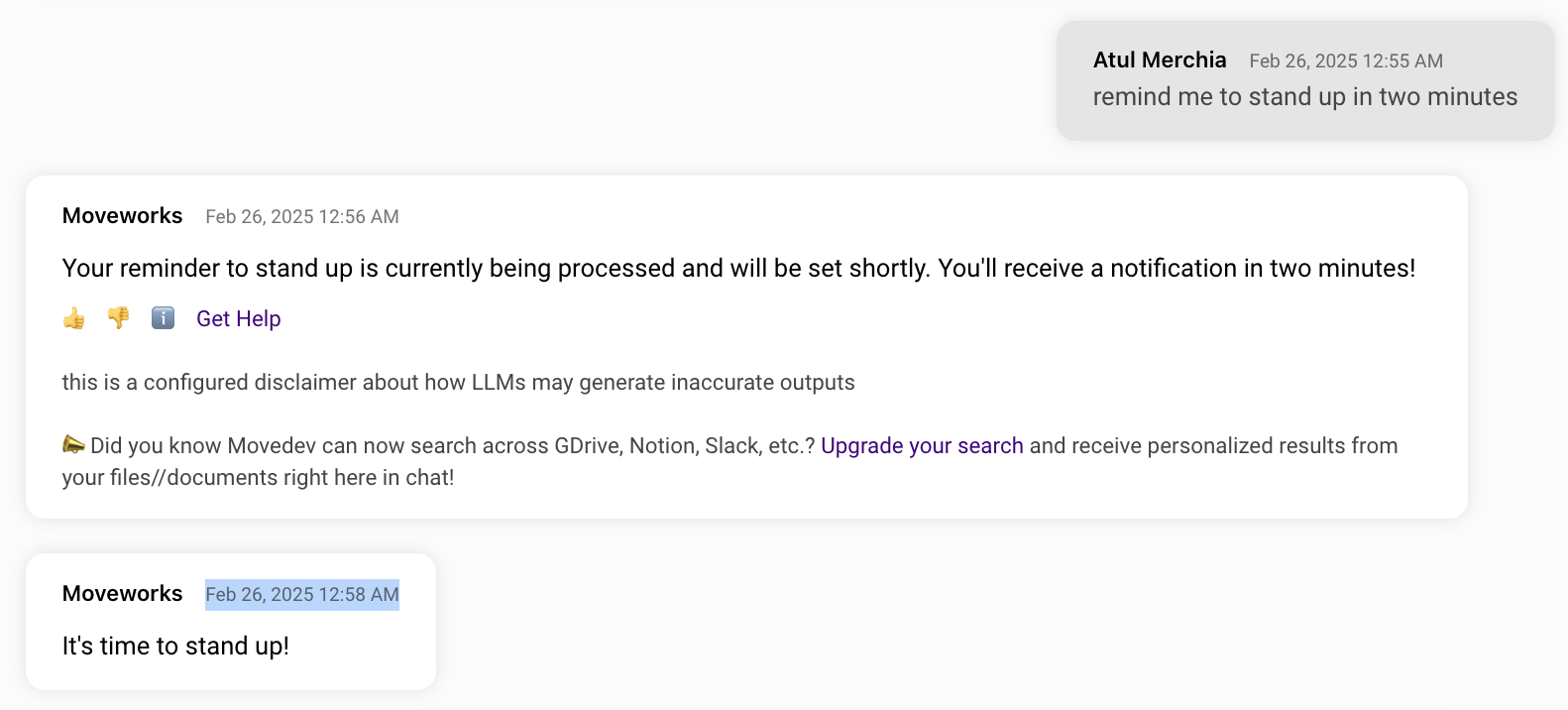
For more details, please see our Compound Action Reference in Creator Studio docs, or check out an example for a reminder plugin below:
Compound Action
YAML
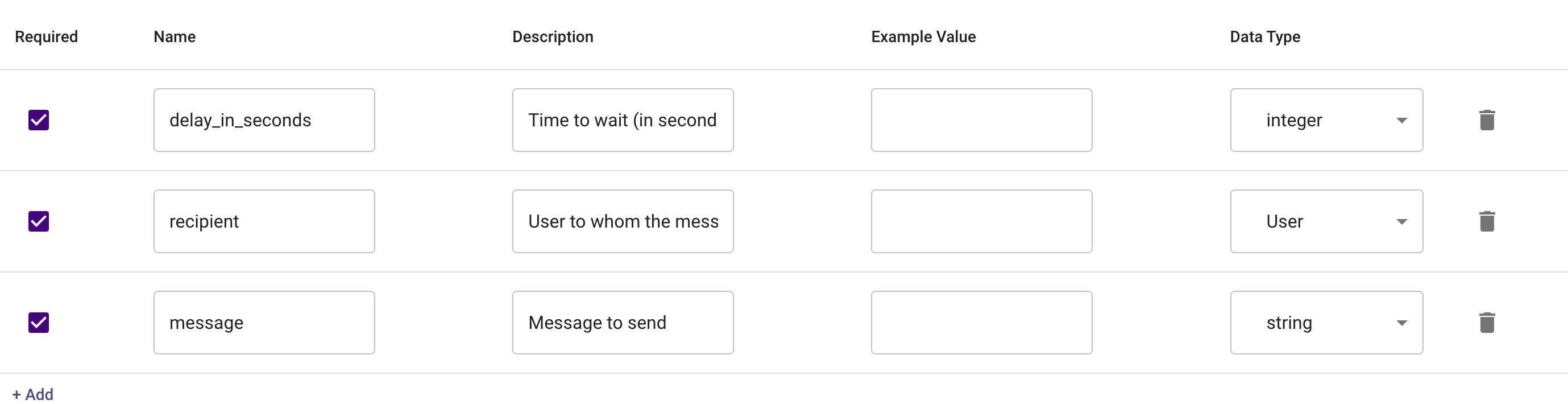
action: output_key: send_plaintext_chat_notification_result action_name: mw.send_plaintext_chat_notification delay_config: seconds: data.delay_in_seconds input_args: message: data.message user_record_id: data.recipient.record_id
Input Arguments
Chat Experience
AI Assistant: Ticket Interception
⚠️ Ticket interception is a legacy plugin for the Moveworks AI Assistant
- When a user files a ticket through the self-service portal or via email, the assistant can intercept these tickets and reach out in-chat with a solution it is confident can solve their issue.
- It leaves a comment on the ticket describing its proposed solution.
- If the assistant is able to fully resolve the user’s issue, users can give acknowledgement in-chat by responding to the reach out. Then, it will mark the ticket as resolved.
- If the offered solution does not solve the user's issue, they can indicate that in chat and the assistant will leave a comment on the ticket, and leave it open for an agent to address.
❗Important - This feature is only available to customers who had previously enabled Ticket Interception in Moveworks Classic. For more information, please contact your account team.
For more details, please read more in our Ticket Interception in Moveworks Classic docs!
Moveworks Setup: UX Changes
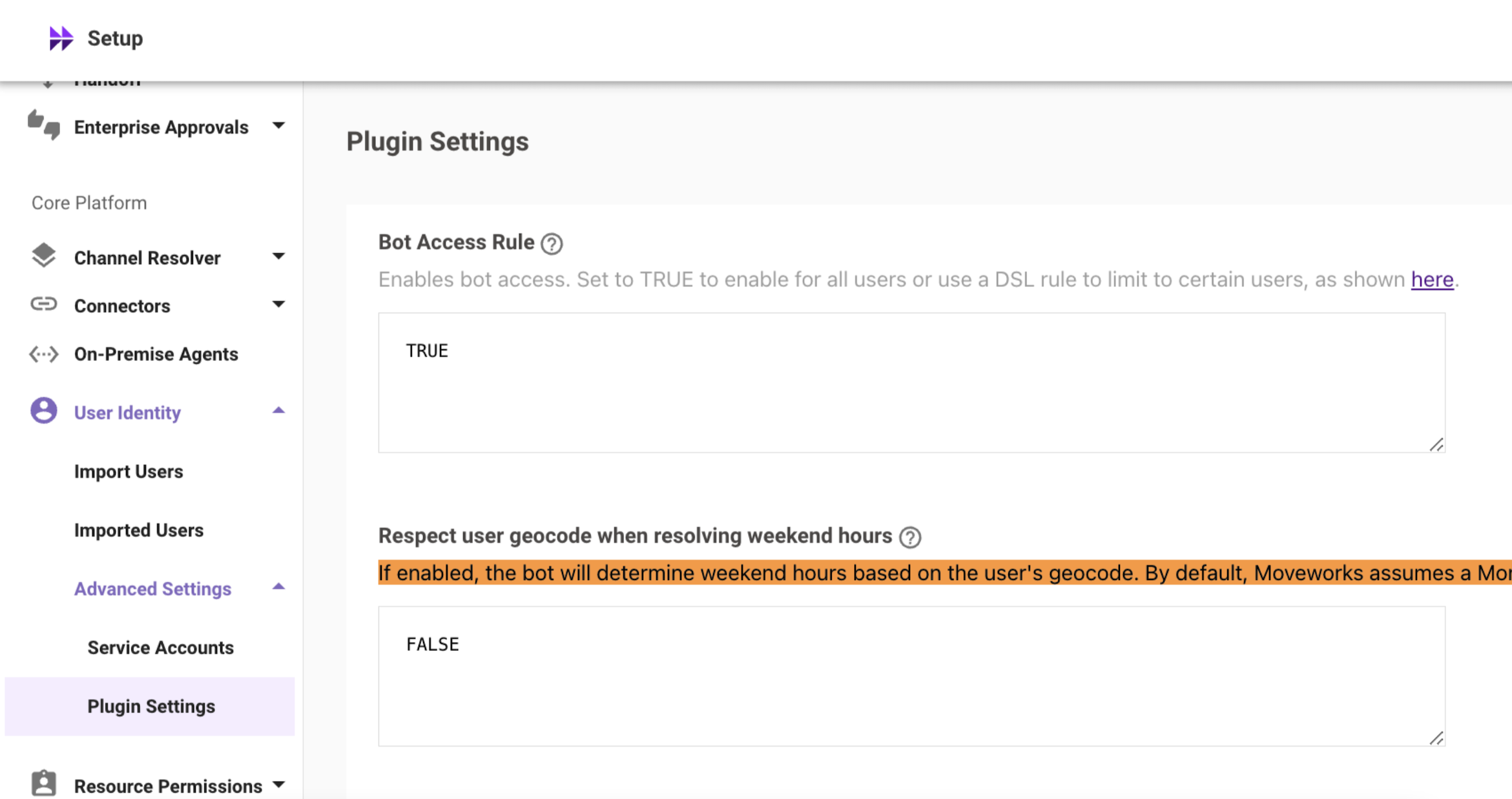
Dedicated Bot Access Rule Page
A dedicated Bot Access page has now been introduced under Setup → User Identity, allowing users to configure the Bot Access Rule. This change was made to enhance the experience of configuring bot access rule in Moveworks Setup since it is a crucial configuration.
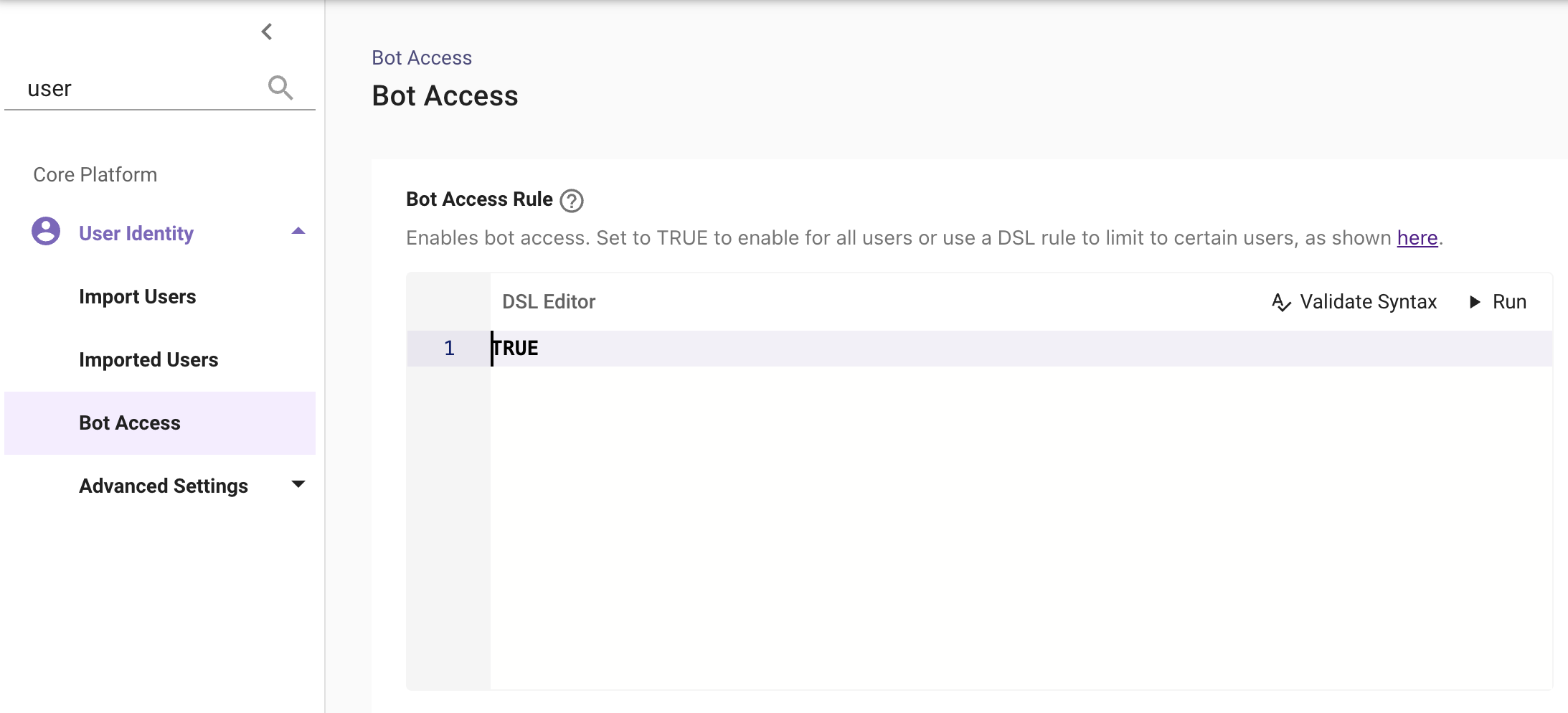
This was previously located under User Identity → Advanced Settings → Plugin Settings.
To learn more about the bot access rule, please see our Bot Access Rule in User Identity Plugin docs!
Page Performance Enhancements
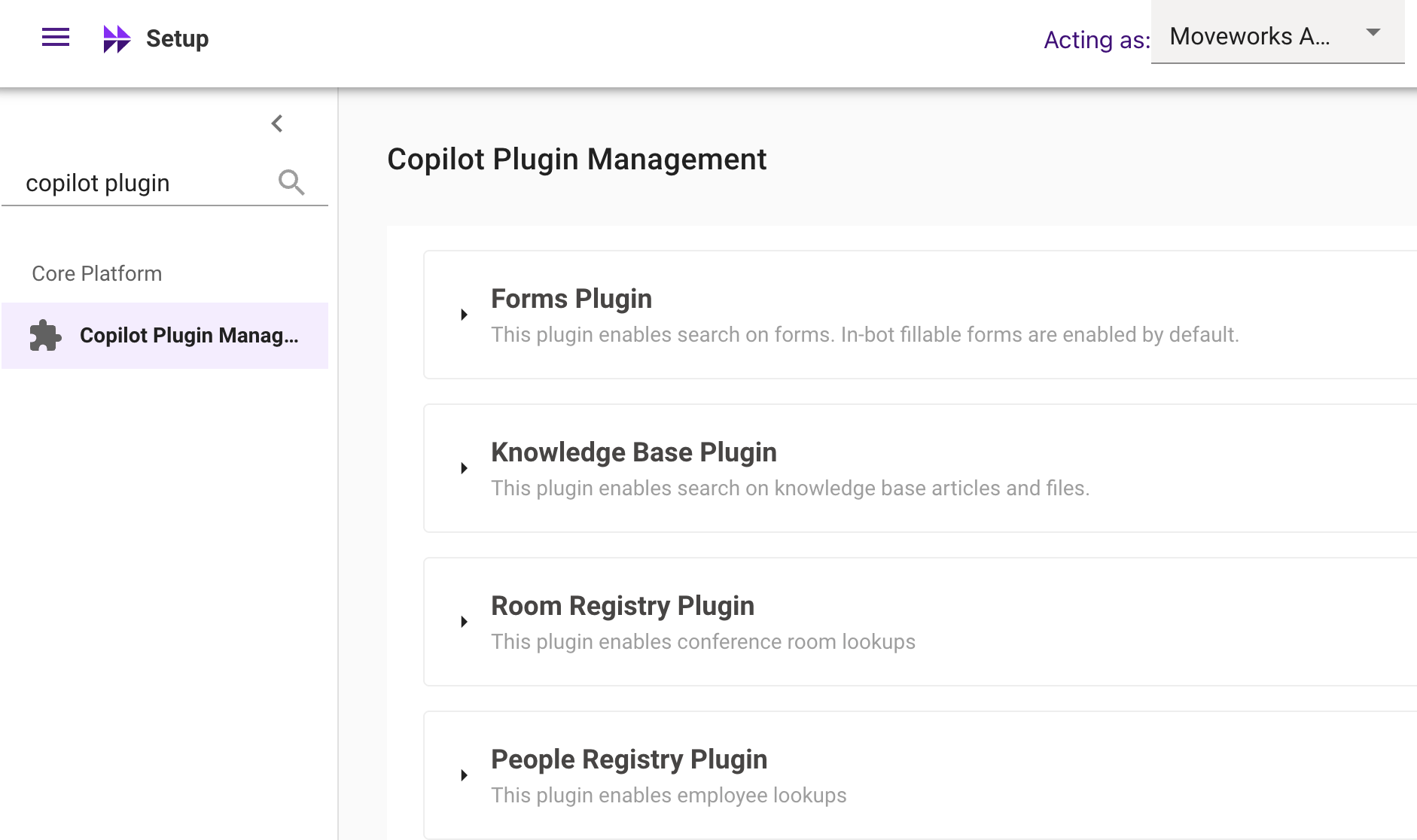
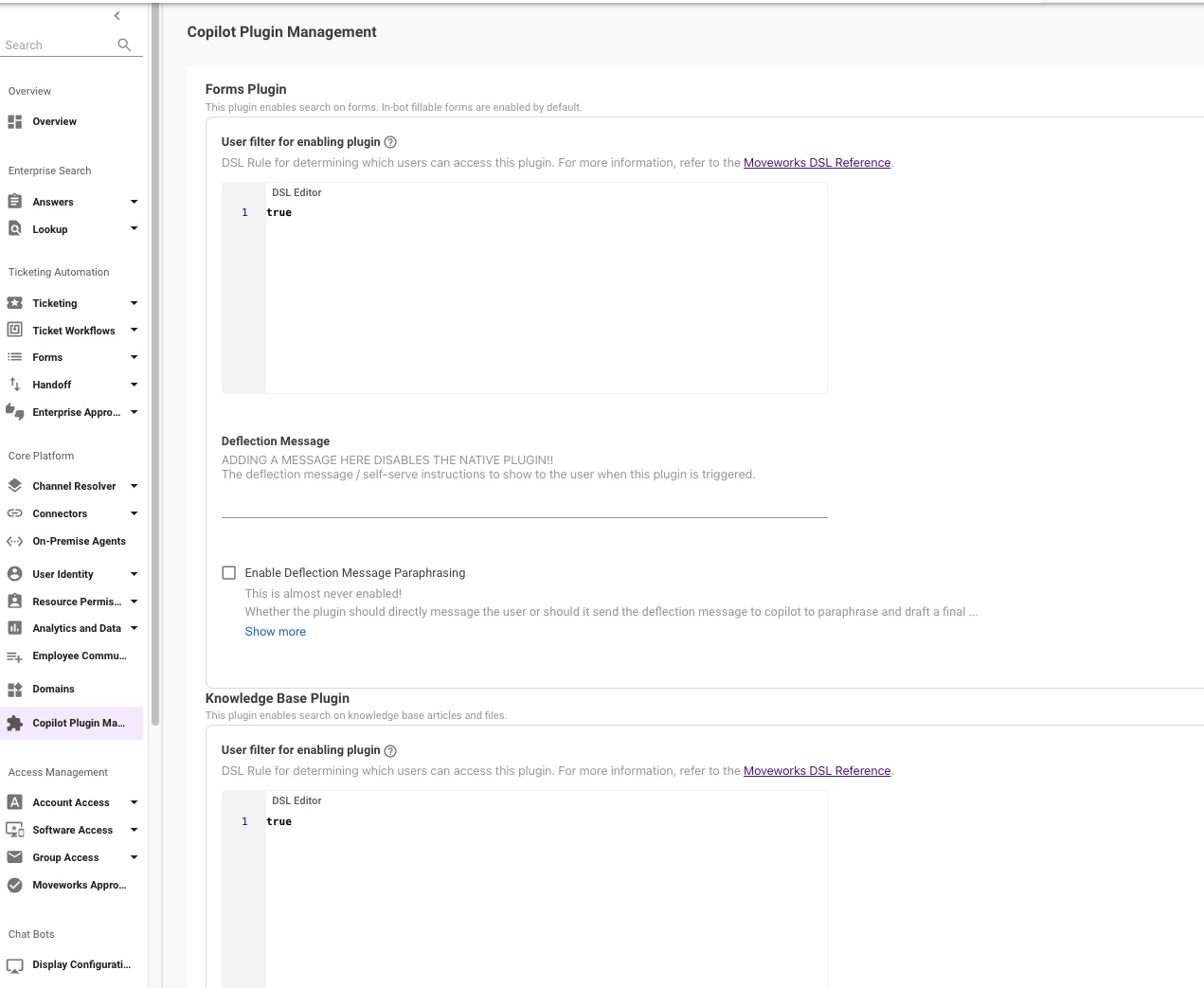
The Copilot Plugin Management page under Setup contains a large number of DSL Editors, which was causing performance issues, including slow loading times and frequent browser session crashes.
To improve usability, configurations have now been grouped and in-page sections have been introduced, resulting in significantly faster load times and better responsiveness.
UX Change with In-Page sections and grouped configs