


Product Update
🚀 Max Capacity connectors for Enterprise Search are now generally available
Moveworks Enterprise Search now offers the Max Capacity journey for connecting your content at scale, generally available to all organizations. You will find it in Moveworks Setup under Search → Configure Search → Max Capacity.
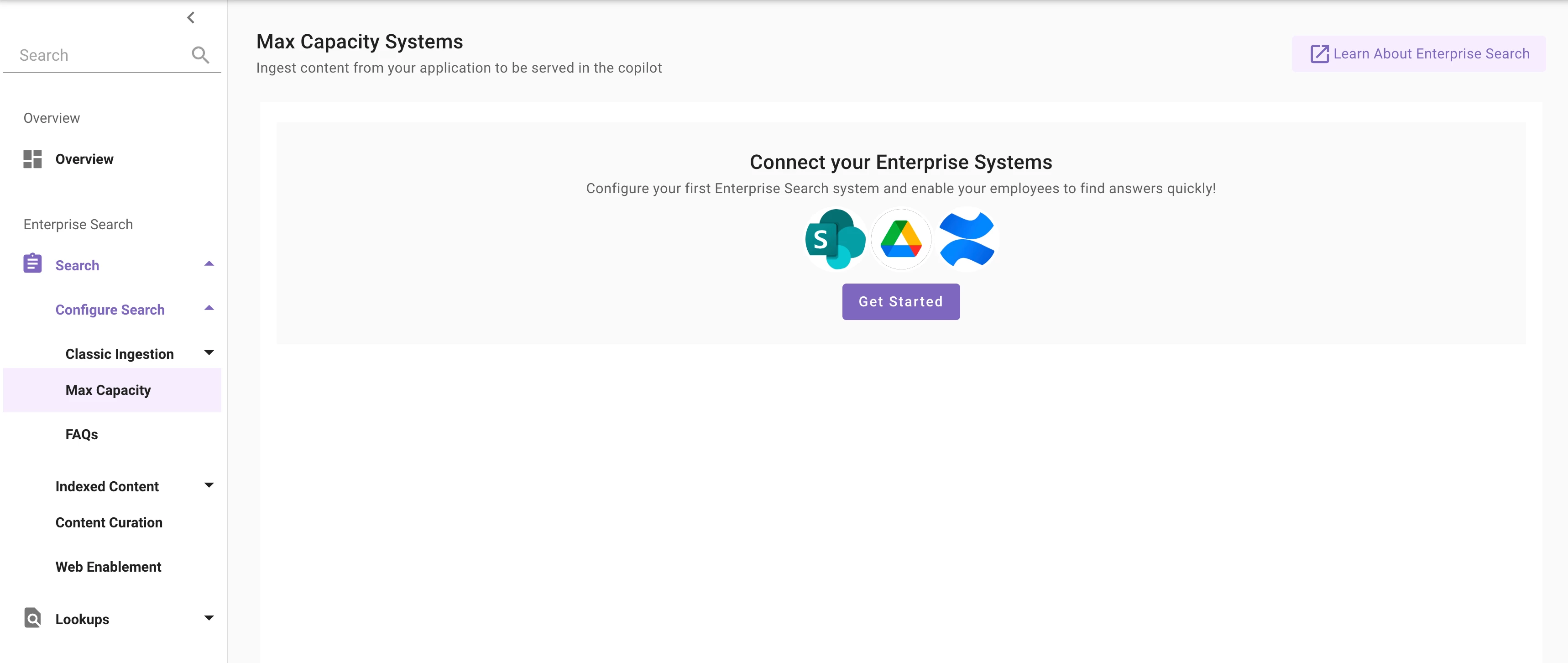
What Max Capacity offers, across nine systems (Box, Confluence Cloud, Google Drive, Outlook, ServiceNow, SharePoint Online & OneDrive, Slack, Unily, and Zendesk):
- Up to 100 million documents per connector.
- Automatic connector validation during setup, so access requirements issues are caught early.
- A single guided setup journey that uses your existing identity and sets up permissions for you, so there is no extra configuration to setup.
- Permission ingestion on every indexed connector, so employees only see content they are allowed to see.
- Live search on SharePoint & OneDrive, Slack, and Outlook — results are fetched from the source in real time, with nothing stored in Moveworks.
- Private-content search on Google Drive and Box.
- An Audience configuration that sits on top of mirrored permissions to roll out content in phases to your employees.
Important Callouts:
- Identity configuration: the Max Capacity journey sets up identity automatically only if your organization already has an identity configuration and its joining key resolves to email. If you don't have an identity configuration yet, or you identify users by a non-email attribute (for example, an employee ID) that isn't mapped to email, please set up the identity configuration for the new connector manually — see Configure User Identity.
- Ingestion schedule: ingestion begins about 12 hours after you save a configuration; please allow 18-24 hours before testing search results.
- Nomenclature: in the Connectors page these connectors may currently show a "(Next Gen)" label. We'll be renaming it to "Max Capacity" this week.
For new setups on any of the nine systems Max Capacity supports, we recommend the Max Capacity journey going forward.
Each connector's setup guide lists its specific capabilities — review the guide for the system you're connecting before you start.
Learn more:
- Choosing Your Journey: https://help.moveworks.com/ai-assistant/search-connectors#choosing-your-journey
- Max Capacity Setup: https://help.moveworks.com/ai-assistant/max-capacity-setup
- Per-connector setup guides:
- Request a connector or share feedback: https://community.moveworks.com/ideas