


Solved

How can I limit my Webhook notification to only send to particular departments or specific users?

  • October 22, 2025
  • 6 replies
  • 131 views

afleury
Forum|alt.badge.img+3

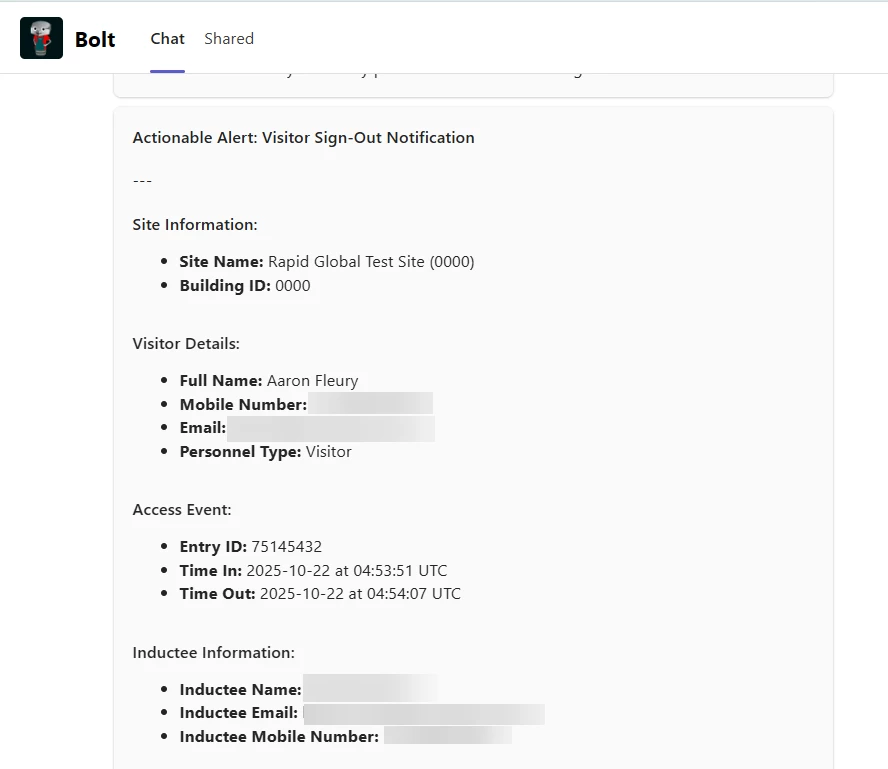
I’ve setup a Rapid Global notification when a user signs in or out with Webhooks.

The challenge I have is I don’t want to enable the notification for everyone, however, Webhooks doesn’t allow you to select an audience to restrict, the Audience option is disabled.
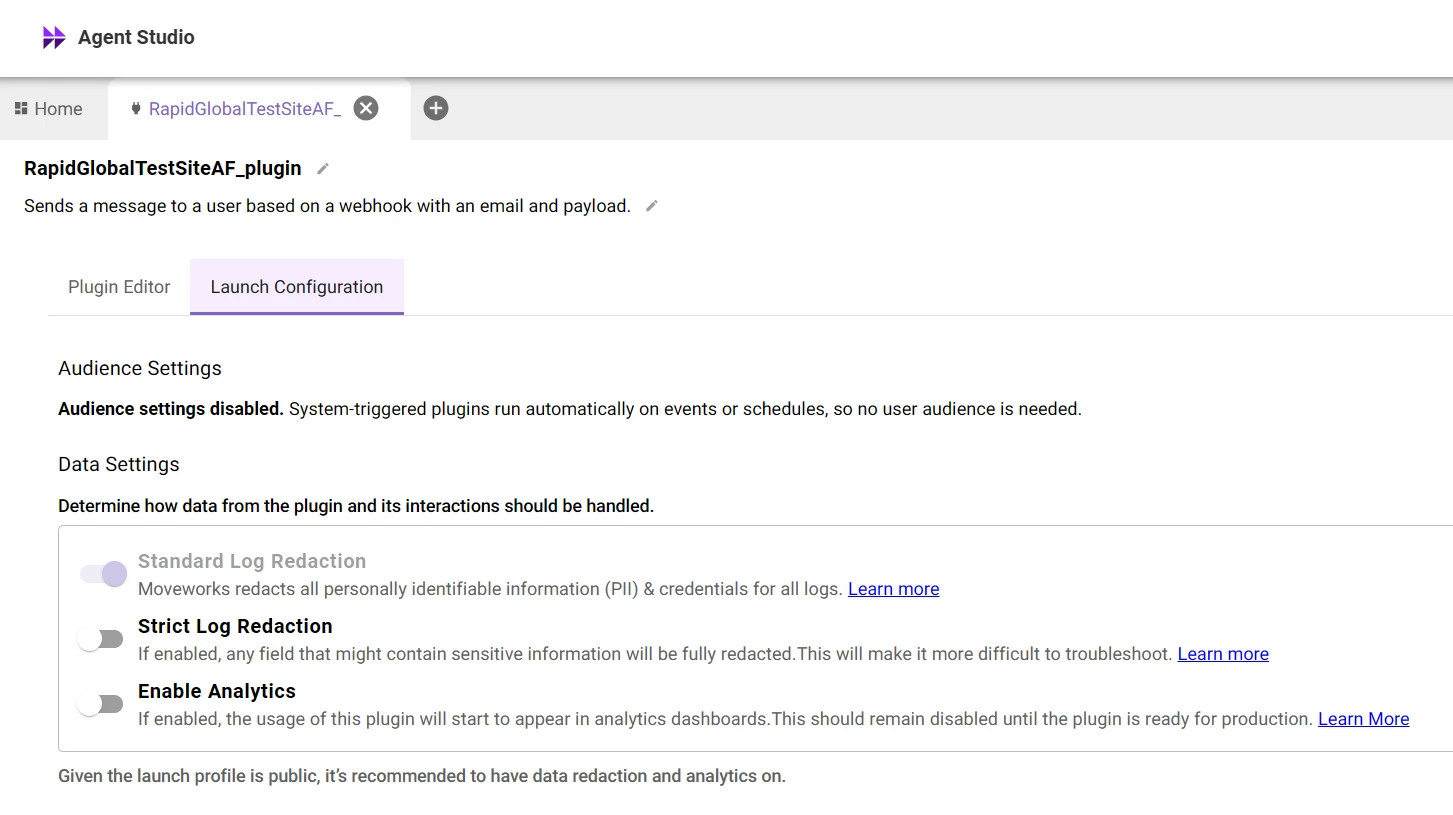
It would be useful to be able to control the notification audience on the Moveworks end rather than have to adjust 100s of users in Rapid Global.


Best answer by afleury

I think I figured it out, testing out a DSL rule built into the compound action with a switch case.

6 replies

afleury
Forum|alt.badge.img+3
  • Author
  • Inspiring
  • Answer
  • October 22, 2025

I think I figured it out, testing out a DSL rule built into the compound action with a switch case.


Kevin Mok
Forum|alt.badge.img+1
  • Community Manager
  • October 22, 2025

Glad you sorted it out. This is something we are aware of and are still working towards figuring out the best experience. Your solution is the correct way to set it up!


Forum|alt.badge.img+5
  • Known Participant
  • March 12, 2026

Can you show us where and how you did that? Webhooks seems to taken away a lot of these things we used with Event ID’s in the past. 


Kevin Mok
Forum|alt.badge.img+1
  • Community Manager
  • March 12, 2026

@joe.langa - Can you explain your use case and what you are trying to do?


Forum|alt.badge.img+5
  • Known Participant
  • March 13, 2026

For testing we need to limit to a single user or few users. The Audience tab is gone with webooks vs when we did events. 


Kevin Mok
Forum|alt.badge.img+1
  • Community Manager
  • March 13, 2026

@joe.langa  - 

I completely understand the frustration of not having that audience anymore; however, you need to understand why that is. The reason for that is due to how ambient agents are designed. They don't live at the user context level; they live at a system level. It's a workflow that runs at a system level, and it has no context of users.

When you set up an expression such as "notify" to send a message in a compound action, you are essentially deterministically inputting who that message gets sent to in the code. You cannot just have a "notify" without a user set-up.

You are allowed to deterministically set that up in the workflow on who that gets sent to, whether that is through a loop of users or some kind of other mechanism like a conditional. Yes, it is a little harder, but at the same time it gives you a lot more power. You should be able to, if you're running a loop of notify, just set the users that you want the message to be sent to. 


And if you need help setting it up, you can provide us with your compound action, and we can give you some suggestions to get you started.