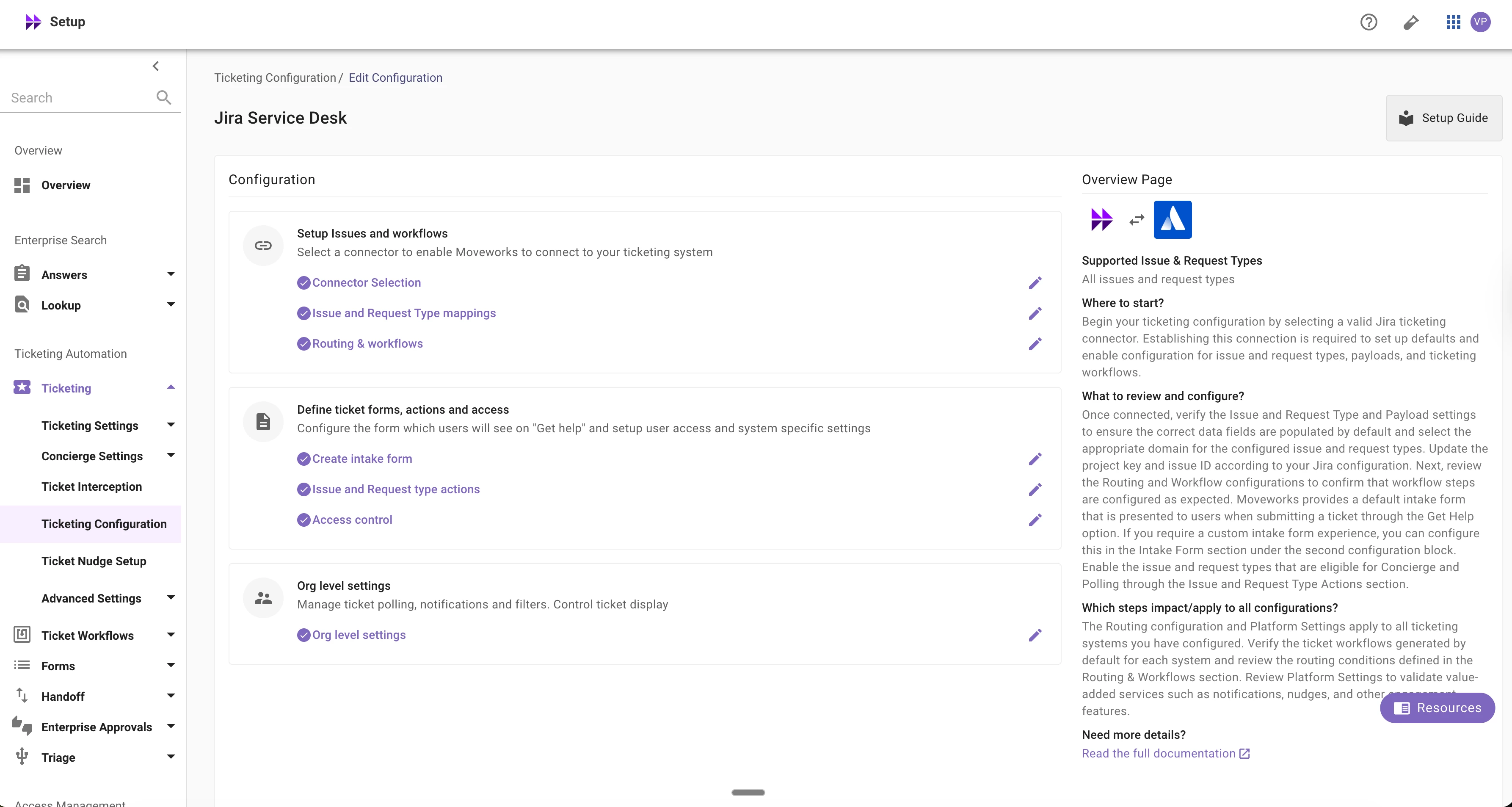
New ticketing configuration in Moveworks Setup
🚀 A New Ticketing Configuration Experience Is Here
We’re excited to introduce a new, simplified ticketing configuration journey in Moveworks Setup — designed to make your setup experience faster, clearer, and more intuitive.
If you manage ticketing configurations, this update is built specifically for you.
What’s Changing?
You’ll now see a unified, guided wizard that brings all required ticketing configurations into one streamlined flow. Instead of navigating multiple modules, you can configure everything in a single experience.
Here’s what you can expect:
✅ One consolidated setup flow covering all required ticketing configurations
✅ System-specific language and smart defaults for:
-
ServiceNow
-
Jira
-
Fresh-service
-
Zendesk
✅ Built-in defaults — even if you’re running 2 or 3 ticketing systems
This means you no longer need to start from scratch when migrating ITSM systems or expanding ticketing into new domains.
✅ Automatic service account detection
If your connector is already configured, the system will automatically pick up the relevant service account — no need to manually copy over ITSM IDs.
Supported Systems
The new journey currently supports setup and editing for:
-
ServiceNow
-
Jira
-
Freshservice
-
Zendesk
If you’re using other systems (such as BMC Remedy, Ivanti Service Desk, Salesforce, etc.), you’ll continue using the existing configuration experience for now.
During the Transition
For the next few weeks, you’ll see both the new and legacy ticketing configuration experiences in Setup.
If your ticketing system is one of the four supported platforms, we encourage you to use the new journey. This transition period allows us to ensure we’re covering all use cases while continuing to simplify the Setup navigation.
Helpful Resources
To support you:
📘 Updated overview documentation is now available
🛠️ Step-by-step setup guides for the new flow are live on the Help Center
🎥 Updated Academy videos are coming soon