🔐 Sharing & Permissions (Agent Studio RBAC) is now in Controlled Availability
For customers in Controlled Availability, Agent Studio now supports folder-based access control and role-based permissions, so you can open up development to more teams without exposing sensitive connectors or putting live plugins at risk.
What was the problem?
Every developer in your Agent Studio tenant could see, edit, and publish every asset, including connectors to sensitive systems like Workday or ServiceNow. The only safe option was keeping Agent Studio locked to a small set of trusted engineers, which directly limited how fast teams could scale.
What's included
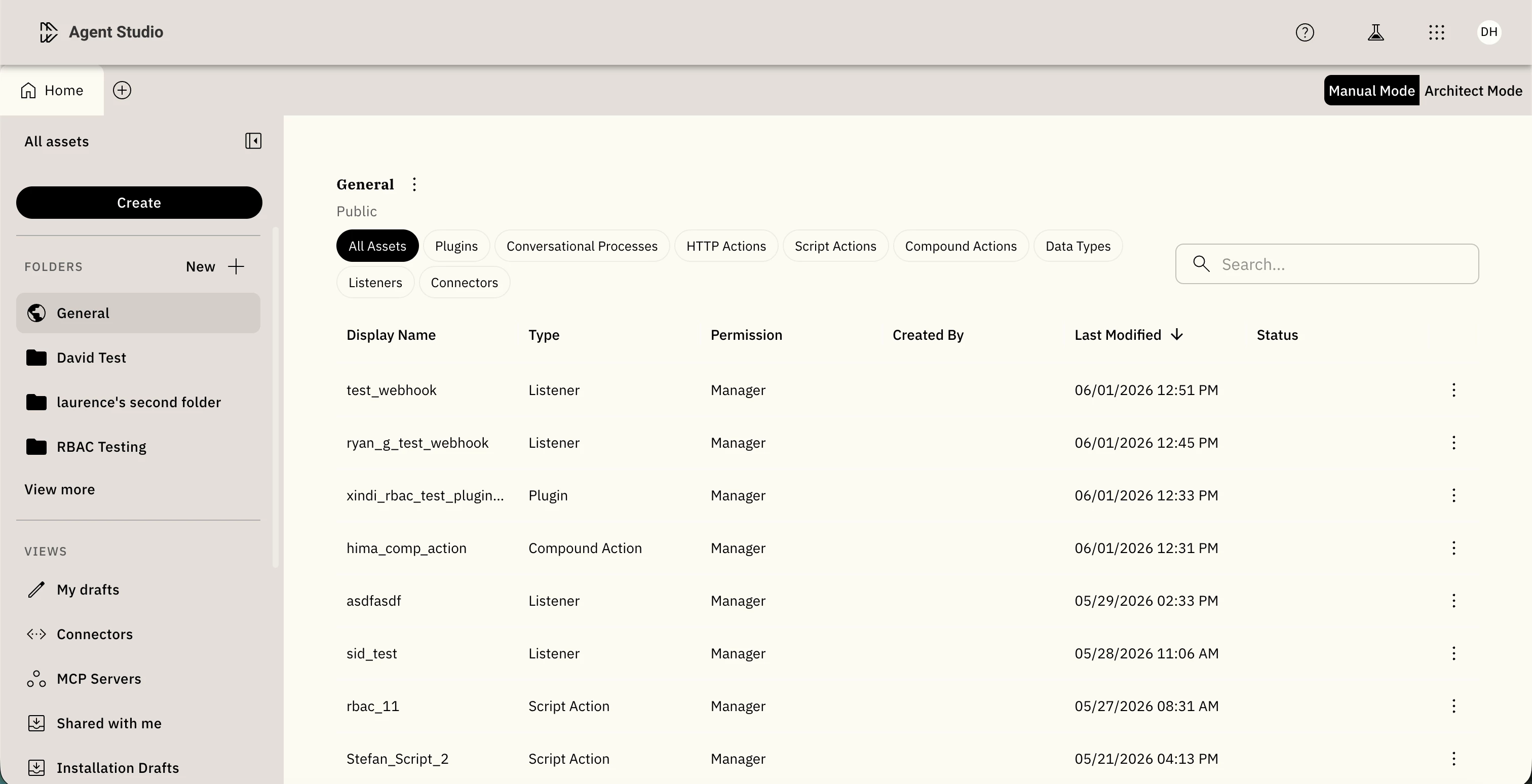
- Folders: Public (org-wide), Personal (drafts), and admin-created custom folders (e.g., "HR Integrations"). Assets inherit folder permissions automatically.
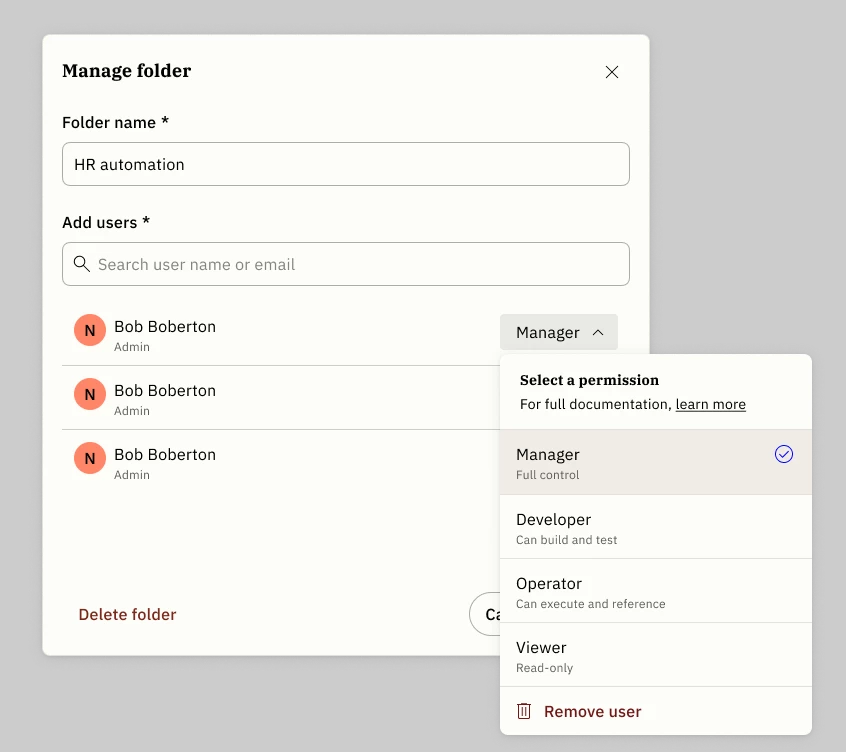
- Four roles: Manager, Developer, Operator, Viewer, assignable per user per folder or asset.
- Dependency enforcement: Running an asset requires
Usepermission on its full chain, including every action and connector it calls. - Boundary states: When blocked, the UI names exactly what's missing and surfaces a "Contact owner" prompt.
How to get access
This feature is in Controlled Availability for a curated set of design partners.
Key limitations in this release: no group-based permissions (individual users only), flat folder structure only, no bulk admin actions, and MCP Servers are outside RBAC scope.
Docs: linked here