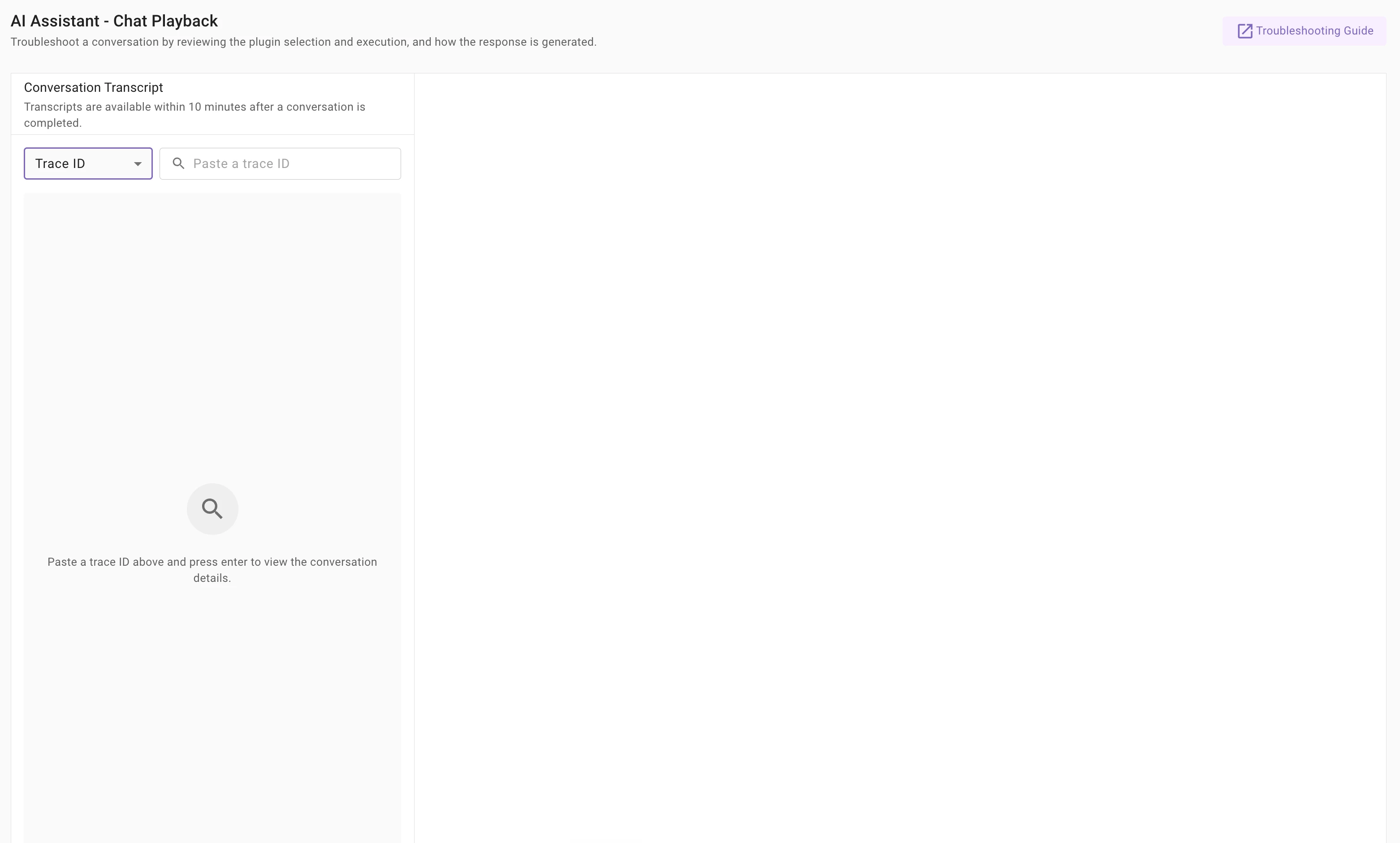
New in Chat Playback: look up a conversation by Trace ID
We've made it faster to get to the exact interaction you're troubleshooting. Chat Playback now lets you look up history by Trace ID, in addition to Conversation ID.
Why it helps
Previously, you needed the full Conversation ID to replay an interaction. Now, if you're already in your logs investigating an issue, you can grab the ID right there and jump straight into Chat Playback — no extra steps to track down the conversation.
How it works
1. In Chat Playback, use the dropdown to pick your lookup type:
- Conversation ID — loads the entire conversation, so you can step through every turn.
- Trace ID — takes you straight to the single interaction turn.
2. Copy the ID from either the logs view:
- Built-in Plugin Logs → the Trace ID column
- Agent Studio Logs → the UUID column
3. Paste it into Chat Playback and press Enter.
That's it — you'll land right on the conversation or the specific turn you're after.
📖 Full details in the docs: AI Assistant Chat Playback: Link