

Introducing World Knowledge App
What problem does this solve?
- Knowledge workers need help every day with tasks that have nothing to do with company data — rewriting an email, debugging a SQL query, finding the latest security patches, or checking whether a benefits document still complies with current law. They need a secure, capable thought partner.
- Many organizations restrict consumer AI tools on corporate devices for security and compliance reasons, and standalone AI subscriptions add cost without integrating into existing workflows. Employees end up without a reliable, sanctioned option for everyday knowledge work.
World Knowledge App gives employees a secure, enterprise-grade AI assistant for general-knowledge work — accessible inside the interfaces they already use.
Step-by-step: how does it work?
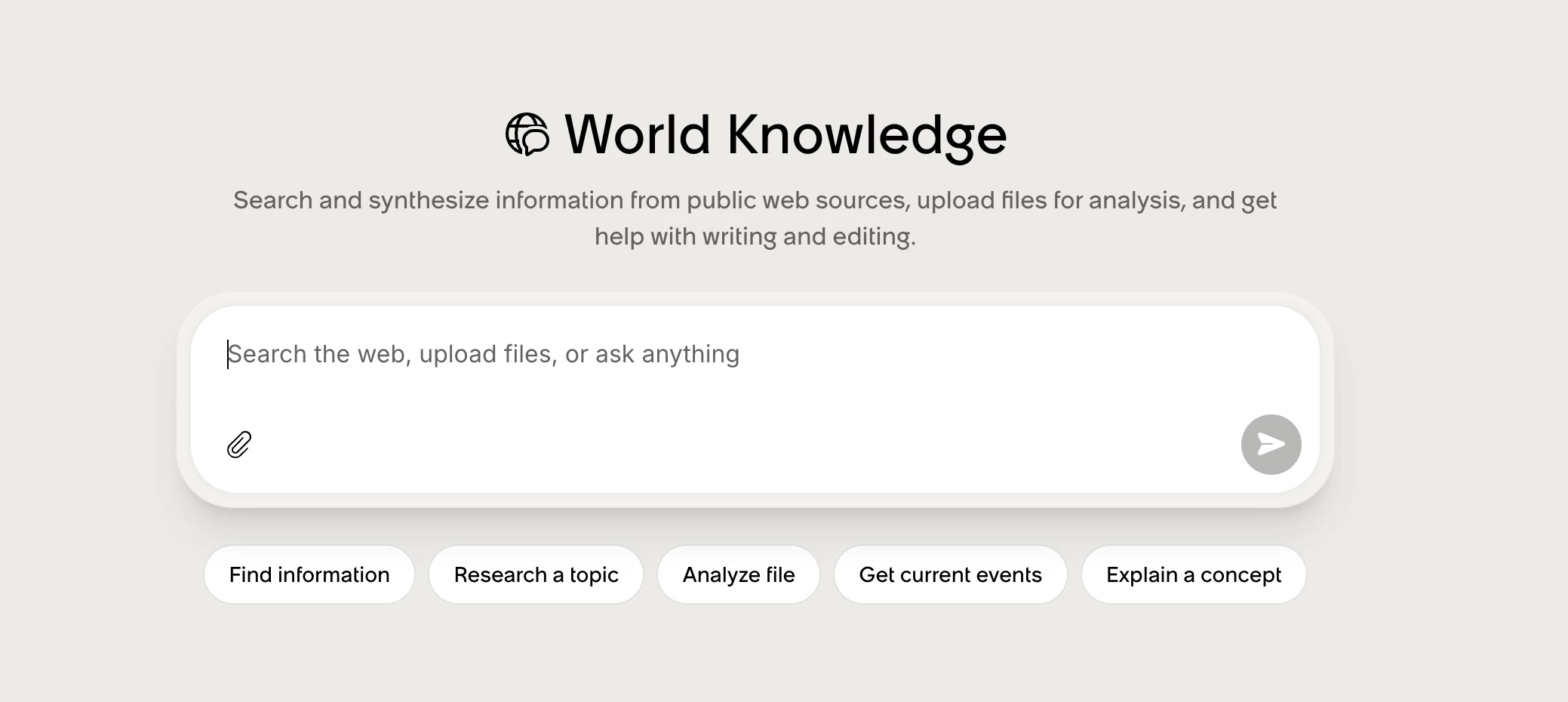
Employee opens the World Knowledge App. It appears as a dedicated app in the left panel of Web (either Moveworks Web or EmployeeWorks Web). It is separate from the Universal Assistant so general-knowledge conversations stay focused.
Employee asks a question. The assistant handles the full range of general-knowledge tasks: improving writing, learning a concept, finding current information, debugging code, or analyzing a document.
The assistant decides whether to search the web. When LLM knowledge alone isn't sufficient — for example, "Were there recent security patches for Adobe products?" — the assistant automatically triggers a live internet search. No user confirmation needed. Every web-sourced response includes citations so employees can verify the source.
Optionally, the employee uploads a file. They can attach a document and ask questions that blend the file's content with LLM knowledge and live web search. Example: "Does this benefits document still comply with current federal law?" The assistant combines what's in the file with what it knows and what it can look up.
How to Get Started
Availability: EmployeeWorks and Moveworks Standalone SKUs. Not available for AI Native or Heritage SKUs.
- Enable the app: Moveworks Setup → Core Platform → AI Assistant → Specialized Assistants → activate World Knowledge App
- Enable file attachments: Moveworks Setup → Manage Chatbots → select the Web bot → enable File Attachment
- Manage web search (optional): Moveworks Setup → Plugin Management → World Knowledge (default: enabled). Recommended to leave on — disabling web search increases risk of hallucinated or outdated answers. Admins with security or compliance constraints can turn it off here.
Validation steps
- The World Knowledge App appears as a named app in the left panel on web.
- A general-knowledge question (e.g., "What are the latest NIST password guidelines?") returns a response with source citations
- Uploading a document and asking a question returns a response that draws on both the file and external knowledge
- Disabling web search in Plugin Management removes live search results from responses (LLM-only mode)