2. On Roadmap
Sharing & Permissions
What problem does this solve?
Today every developer can see, edit, and publish every asset in your Agent Studio org. That forces teams to cap developer access to a small trusted group, blocking expansion into sensitive domains like HR, finance, and procurement. RBAC gives you fine-grained control over who can view, edit, and run each asset, so you can safely scale.
What's included:
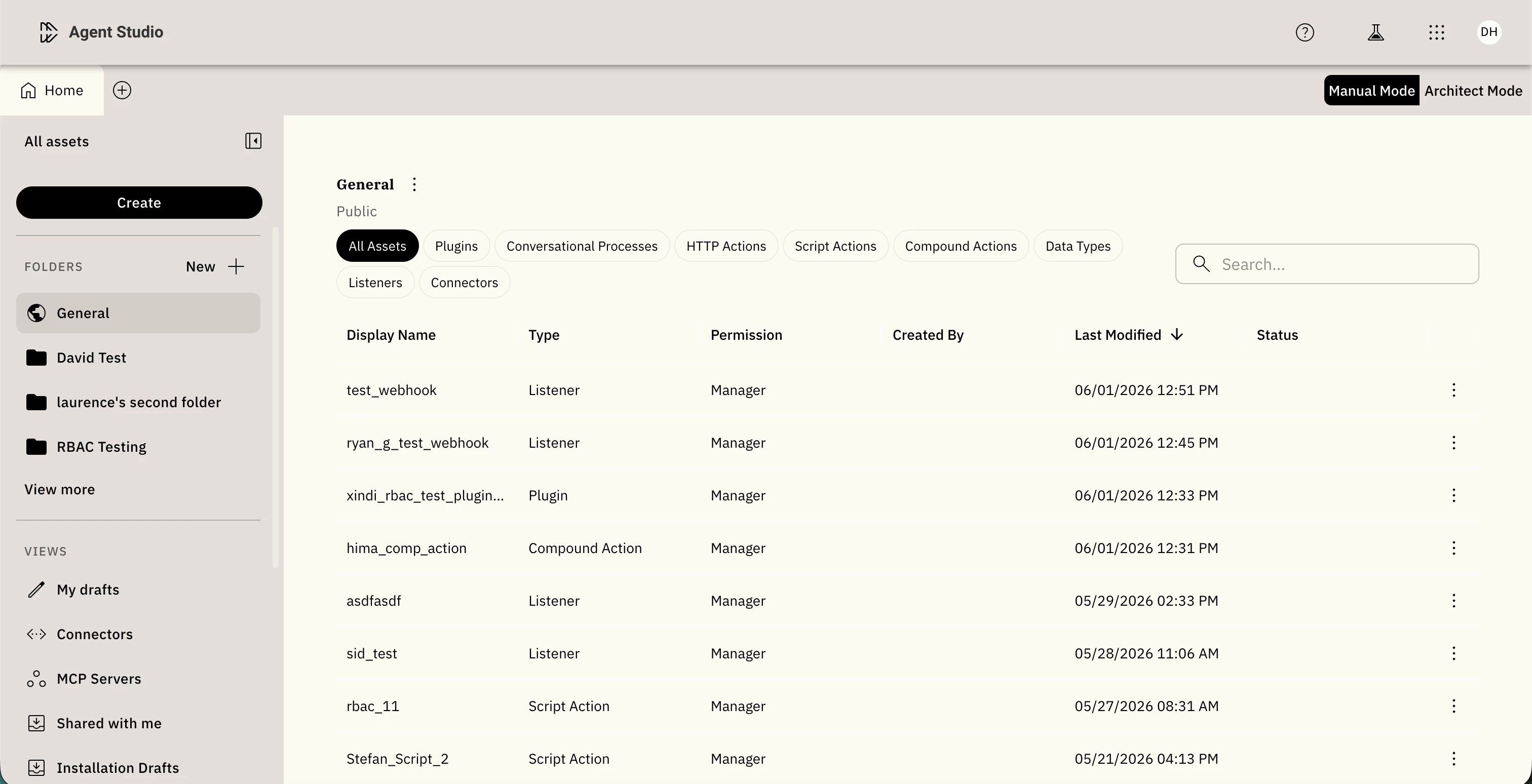
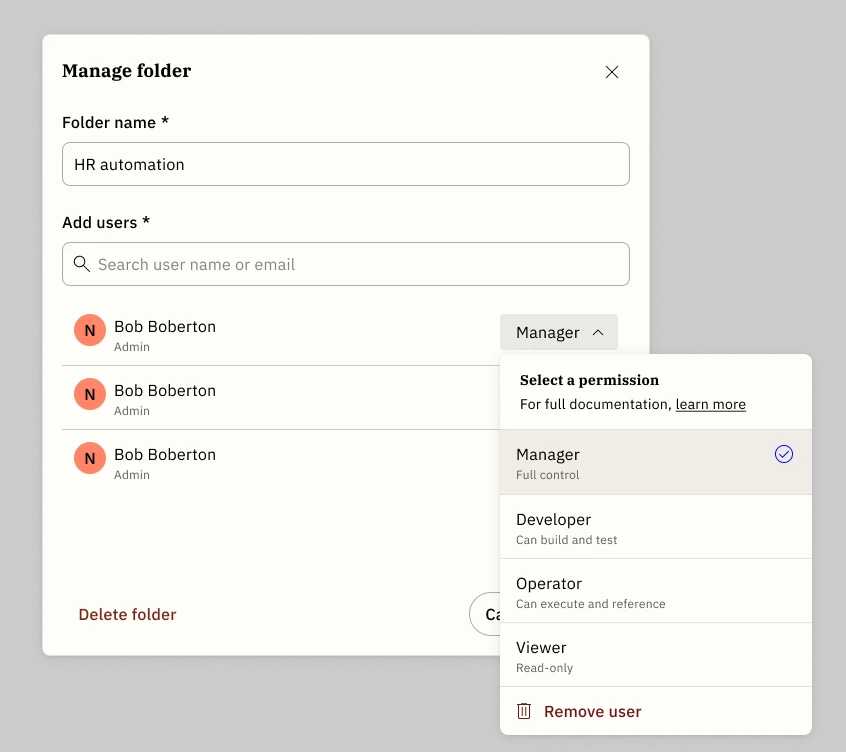
- Folders: Public (org-wide), Personal (drafts), and admin-created custom folders (e.g., "HR Integrations"). Assets inherit folder permissions automatically.
- Four roles: Manager, Developer, Operator, Viewer, assignable per user per folder or asset.
- Dependency enforcement: Running an asset requires
Usepermission on its full chain, including every action and connector it calls. - Boundary states: When blocked, the UI names exactly what's missing and surfaces a "Contact owner" prompt.
How to get access
This feature is in Controlled Availability for a curated set of design partners.
Key limitations in this release: no group-based permissions (individual users only), flat folder structure only, no bulk admin actions, and MCP Servers are outside RBAC scope.
Docs: linked here