

Enable dot-walking into custom_attributes in the Data Mapper
Description: The Data Mapper's "Available data input" picker lets you browse and select standard fields (e.g. department, cost_center_id) by clicking through the list, without needing to know their exact names in advance.
custom_attributes (and custom_data), however, show up as a single collapsed entry.
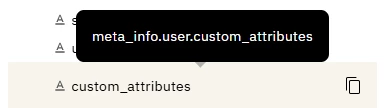
To reference a specific one (e.g. user.custom_attributes.office), you have to already know the exact attribute name and type it out manually. There's no way to expand and browse the individual keys the way you can with other nested fields like employment_info.
Ask: Allow custom_attributes (and custom_data) to expand in the picker like other structured fields, so devs can see which attributes are actually available to them and select the one they need without already knowing its exact spelling.
Why it matters: Custom attributes vary by org and are often configured by someone other than the person building the workflow. Without visibility into what's available, builders have to go dig through documentation or ask around just to get the name right, slowing things down and risking silent mapping errors from typos.