

Question

Ingestion Search Field – Cursor Auto-Exits While Typing

  • December 5, 2025
  • 1 reply
  • 23 views

Forum|alt.badge.img+1

I’m facing an issue with the search functionality in the Moveworks setup when trying to check ingested files.

Currently, when I type a file name in the search field, the cursor automatically jumps out of the search box. Because of this, I have to click back into the search box repeatedly to continue typing. This makes it very difficult to type the full file name, and the experience becomes quite frustrating.

At the moment, the only workaround I’ve found is to copy and paste the file name directly into the search box to avoid the cursor jumping issue.
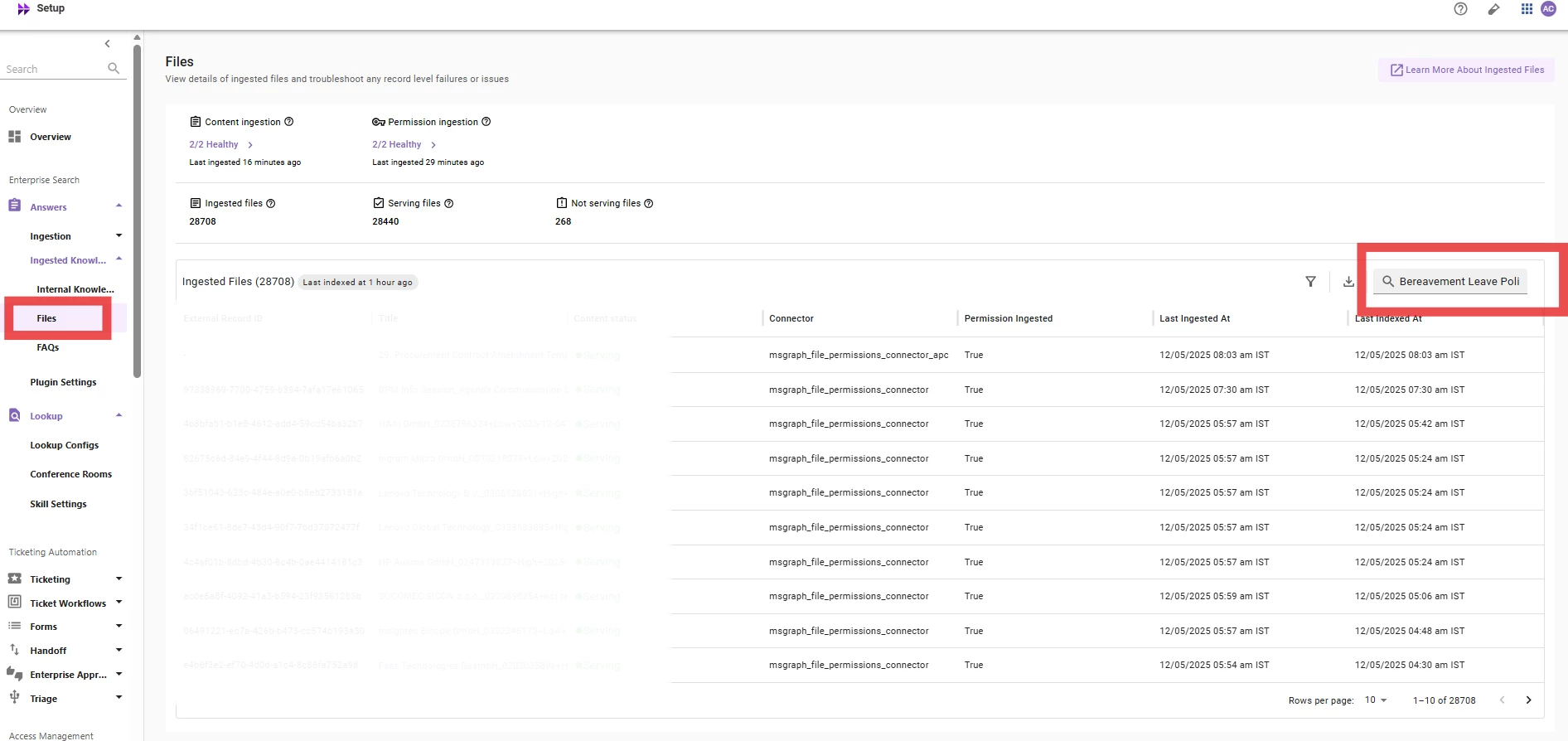
 

Can you please help look into this or suggest if there’s a known fix.

1 reply

  • Participating Frequently
  • January 2, 2026

I’m facing an issue with the search functionality in the Moveworks setup when trying to check ingested files.

Currently, when I type a file name in the search field, the cursor automatically jumps out of the search box, which disrupts the workflow similar to issues often seen in technical SEO services, and because of this, I have to click back into the search box repeatedly to continue typing. This makes it very difficult to type the full file name, and the experience becomes quite frustrating.

At the moment, the only workaround I’ve found is to copy and paste the file name directly into the search box to avoid the cursor jumping issue.


Can you please help look into this or suggest if there’s a known fix.

Hello. The cursor jumping out of the search box in Moveworks when typing a file name is a known UI issue, likely caused by the search results auto-refreshing or browser conflicts. It interrupts typing because the input loses focus after each keystroke. The temporary workaround is to copy and paste the file name, but the underlying problem usually requires either updating your browser, disabling interfering extensions, or having Moveworks fix the UI. If the problem continues, it should be reported to Moveworks support with the browser version and steps to reproduce so they can resolve it.